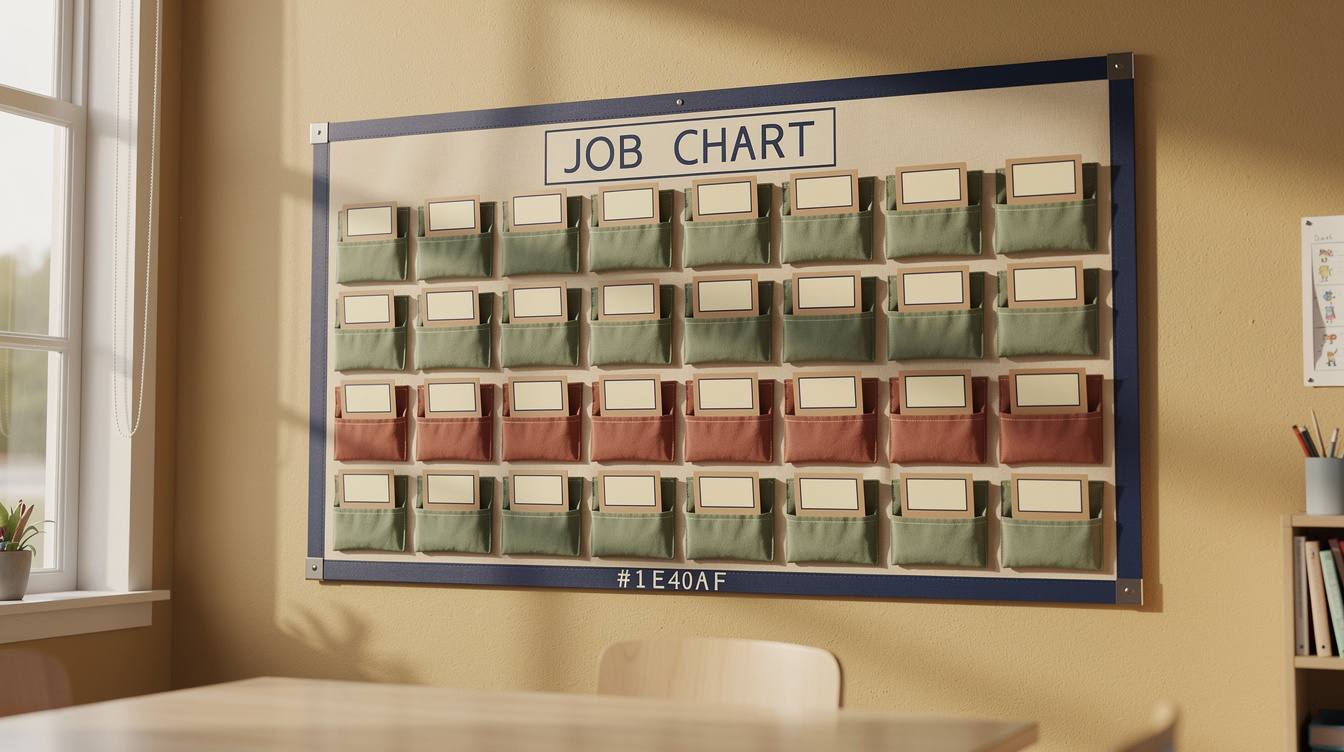
Every job chart I made in my first few years looked great on the bulletin board in September and was quietly ignored by Halloween. The jobs weren't the problem. The rotation system was. I was reassigning it by memory every Monday, which meant some weeks it didn't happen at all, and kids noticed.
Why job charts fall apart
A job chart needs three things to survive past the first month: jobs specific enough that a student knows exactly what to do without asking, a rotation system that runs on a fixed schedule instead of your memory, and a low enough stakes level that a forgotten job doesn't derail the day. Most charts fail on the second one, the rotation depends entirely on the teacher remembering to move the cards.
Build jobs that don't need explaining twice
Vague jobs like "helper" or "leader" generate more questions than they save you time. Specific jobs run themselves:
- Line leader, walks first, stops at the door, waits for the class to be quiet.
- Materials manager, passes out and collects specific supplies for that day's lesson.
- Light and door monitor, turns lights off for transitions, holds the door during passing time.
- Plant and pet care (if applicable), a genuinely daily, checkable task.
- Tech helper, closes laptops, plugs in chargers, reports anything not working.
Each one should be doable by a student without you giving instructions that day. If you find yourself re-explaining a job every week, the job description isn't specific enough yet.
Automate the rotation, not the jobs
The jobs rarely need to change once you've settled on a good list. What needs a system is who's doing which job this week, on a fixed schedule that doesn't depend on you remembering Monday morning. Set the rotation in advance for the whole term: "Here are my 24 students and 6 classroom jobs. Build a 12-week rotation where every student gets each job roughly twice, no student repeats a job back-to-back, and the list is easy to post as a simple weekly chart." Print the whole rotation and post it once, moving name cards each week takes ten seconds when the order is already decided, instead of ten minutes of deciding it live.
Make forgetting low-stakes
Build in a visible, no-drama way to redo a missed job rather than treating it as a discipline issue. A quick student self-check at the end of the day, or a peer reminder system where the previous week's job-holder briefly shows the new one what to do, keeps the chart running without you being the only backstop.
Where this connects to the rest of your routines
A job chart works best as one piece of your broader [classroom management](/classroom-management) system rather than a standalone bulletin board, the same clear-expectations approach that makes your transition routines stick by week three is what keeps a job rotation running in April instead of quietly dying in October. Kids don't need more jobs to feel ownership of the room. They need the few jobs you do give them to run on a system reliable enough that they trust it'll still be there next week.